
If you're asking whether QuickBooks Desktop is going away, the short answer is no, but Intuit has drastically altered access. Intuit stopped selling new subscriptions for QuickBooks Desktop Pro Plus, Premier Plus, and Mac Plus to new U.S. customers. However, existing subscribers can continue renewing, older desktop versions continue opening offline indefinitely, and QuickBooks Desktop Enterprise remains fully supported and actively sold.
The aggressive push by Intuit to herd millions of small businesses into QuickBooks Online (QBO) has created unprecedented confusion in the accounting community. Business owners, CFOs, and bookkeepers are understandably anxious about losing control of their private company files, enduring steep annual subscription fee hikes, and sacrificing critical inventory features. Below, we break down Intuit’s official discontinuation timeline, clarify what actually happens to your financial data, and explore how to secure a reliable, one-time purchase desktop accounting environment without recurring cloud bills.
Key Takeaways (The 2026 QuickBooks Desktop Reality):
- Stop-Sell on Entry Tiers: You can no longer purchase new Pro Plus or Premier Plus licenses directly through Intuit’s standard retail storefront.
- Enterprise Remains the Flagship: QuickBooks Desktop Enterprise continues to receive full feature development, security updates, and active technical support.
- Your Local Data Never Expires: "Service discontinuation" terminates connected cloud features (like bank feeds and Intuit Payroll), but your local
.QBWcompany file remains 100% accessible on your hard drive. - No Forced Cloud Migration: You do not have to surrender your workflow to QuickBooks Online if you leverage a lifetime valid desktop edition or private desktop hosting.
1Is QuickBooks Desktop Going Away or Being Phased Out?
The rumor that Intuit is deleting QuickBooks Desktop from existence stems from the company's multi-year transition toward a Software-as-a-Service (SaaS) model. To evaluate whether QuickBooks Desktop is being phased out, you have to separate Intuit’s sales marketing from technical reality.
Historically, businesses could purchase a standalone version of QuickBooks Desktop Pro or Premier once and run it on office workstations for five to seven years without paying Intuit another penny. In late 2021, Intuit shifted all desktop products to an annual subscription model ("Plus"). Then, in 2024, Intuit executed its "stop-sell" policy:
- New U.S. Customers: Intuit officially halted the sale of new subscriptions for QuickBooks Desktop Pro Plus, Premier Plus, and Mac Plus. If you do not already own an active license, Intuit's sales agents will firmly tell you that QuickBooks Online is your only choice.
- Existing Desktop Subscribers: If you maintained an active Pro Plus or Premier Plus subscription before the cutoff, Intuit allows you to renew your annual subscription at prevailing rates.
- QuickBooks Desktop Enterprise Users: Enterprise was exempt from the stop-sell. It remains Intuit’s premier tier for high-volume manufacturing, wholesale, distribution, and contracting businesses requiring multi-user access and robust inventory controls.
In short, QuickBooks Desktop is not dead—it has simply been restricted by Intuit to maximize recurring cloud revenue.
2QuickBooks Desktop Discontinuation Timeline (2021–2026)
Many business owners get nervous when searching when QuickBooks Desktop will be discontinued because Intuit uses a rolling three-year support cycle. Understanding this sunset schedule is crucial for planning your operational IT strategy.
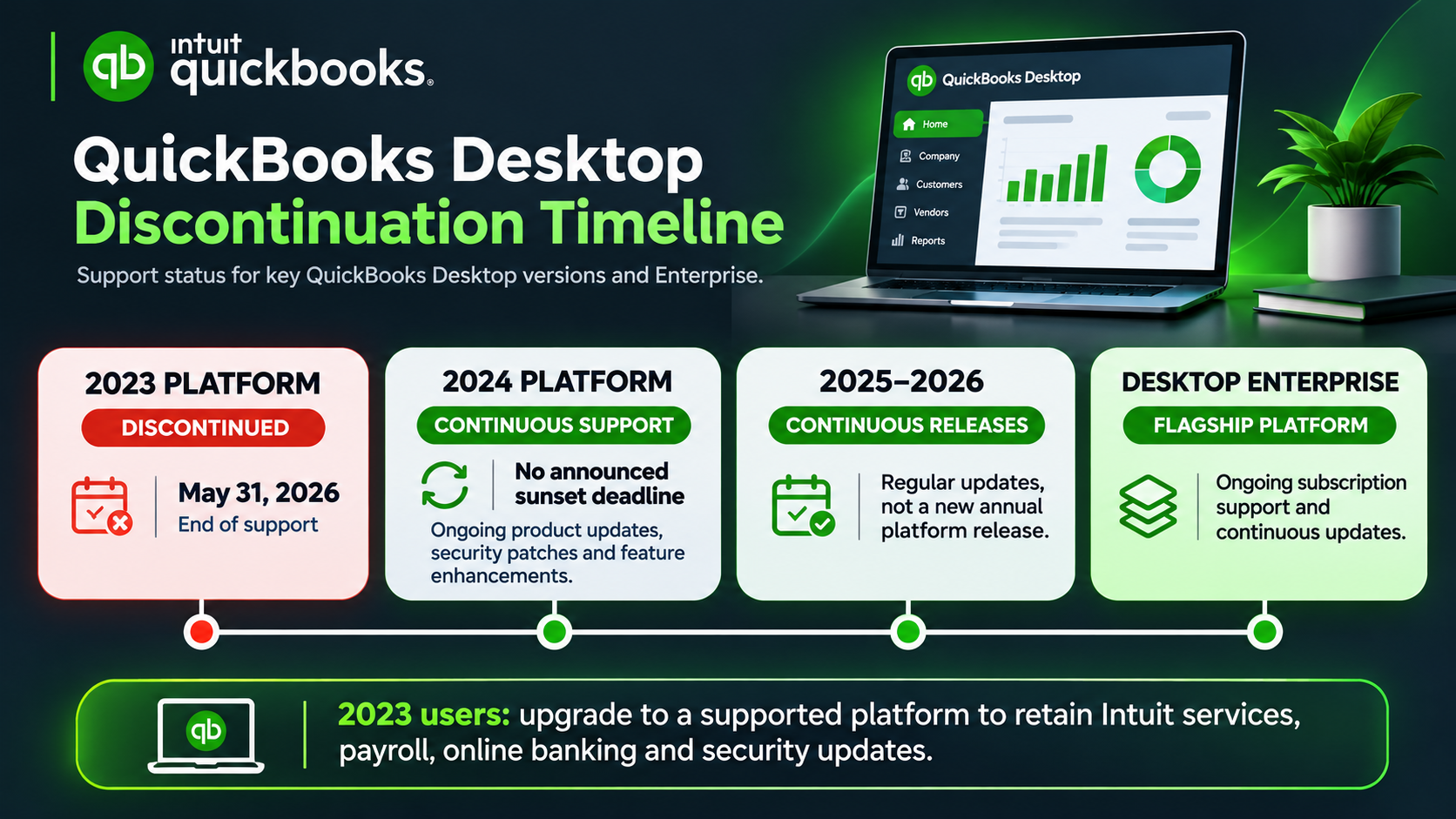
Here is the exact lifecycle status of recent QuickBooks Desktop editions:
| QuickBooks Desktop Version | Discontinuation Date | Connected Services Status | Offline File Access |
|---|---|---|---|
| QuickBooks Desktop 2021 & Earlier | May 31, 2024 | Fully Discontinued | Indefinite (Full Local Access) |
| QuickBooks Desktop 2022 | May 31, 2025 | Discontinued | Indefinite (Full Local Access) |
| QuickBooks Desktop 2023 | May 31, 2026 | Sunset Reached | Indefinite (Full Local Access) |
| QuickBooks Desktop 2024 (v24.0) | Ongoing Support | Actively Maintained | Indefinite (Full Local Access) |
| QuickBooks Desktop Enterprise (All Years) | Active Product Tier | Fully Supported | Indefinite (Full Local Access) |
Notice a major development regarding QuickBooks Desktop 2024: Following immense backlash from corporate accounting departments and certified ProAdvisors, Intuit revised its rigid 3-year sunset stance for the 24.0 release. Version 2024 continues to receive critical security patches, tax table updates, and compliance support, making it the most stable long-term foundation for businesses wanting to remain on desktop.
3What Actually Happens When Your Version Is "No Longer Supported"?
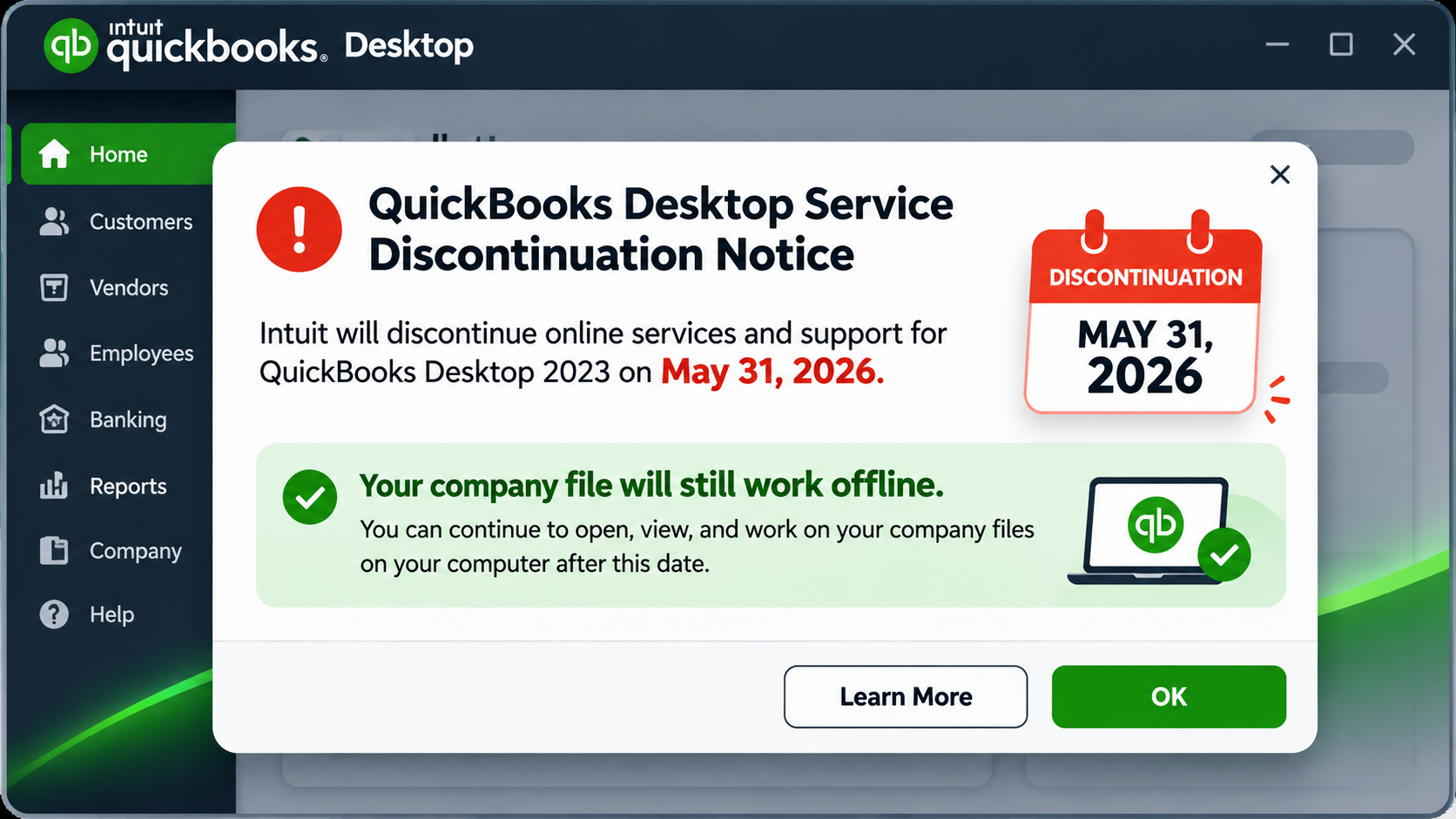
When Intuit designates a release as no longer supported, it triggers a flood of warning emails urging you to upgrade to QuickBooks Online immediately. But what does service discontinuation actually mean for daily bookkeeping?
What You Lose:
- Live Bank Feeds: Automatic transaction downloads via Direct Connect and Web Connect stop working. You will need to manually import transaction files (
.QBO/.CSV) or enter transactions by hand. - Intuit Assisted & Enhanced Payroll: Tax tables will no longer update automatically, and direct deposit through Intuit's integrated servers terminates. (Many businesses bypass this by using independent third-party payroll engines like Gusto, ADP, or manual payroll formulas).
- Intuit Merchant Payment Processing: Built-in credit card processing buttons on invoices are disabled.
- Live Intuit Phone & Chat Support: Intuit technicians will refuse troubleshooting calls unless you upgrade to a supported release.
What Remains Fully Operational:
- 100% Core Accounting Functions: You can still write checks, enter bills, create customer invoices, reconcile accounts, process journal entries, and track inventory.
- Historical Financial Reports: Balance Sheets, Profit & Loss statements, General Ledgers, and Audit Trails remain completely accessible.
- Local Data Sovereignty: Your company records are stored on your local disk or office server. No external third party can lock you out of your historical records.
Crucial Distinction: Intuit discontinuing online services is not a remote kill-switch for your installed software. Your company files belong entirely to you, and properly maintained desktop installations continue executing offline accounting operations smoothly.
4Why Businesses Refuse to Migrate to QuickBooks Online
Intuit frequently advertises QuickBooks Online as a modern upgrade. In practice, however, small and mid-sized enterprises across wholesale, construction, manufacturing, and retail find QBO inadequate for serious operational accounting.
| Operational Requirement | QuickBooks Desktop / Enterprise | QuickBooks Online (QBO) |
|---|---|---|
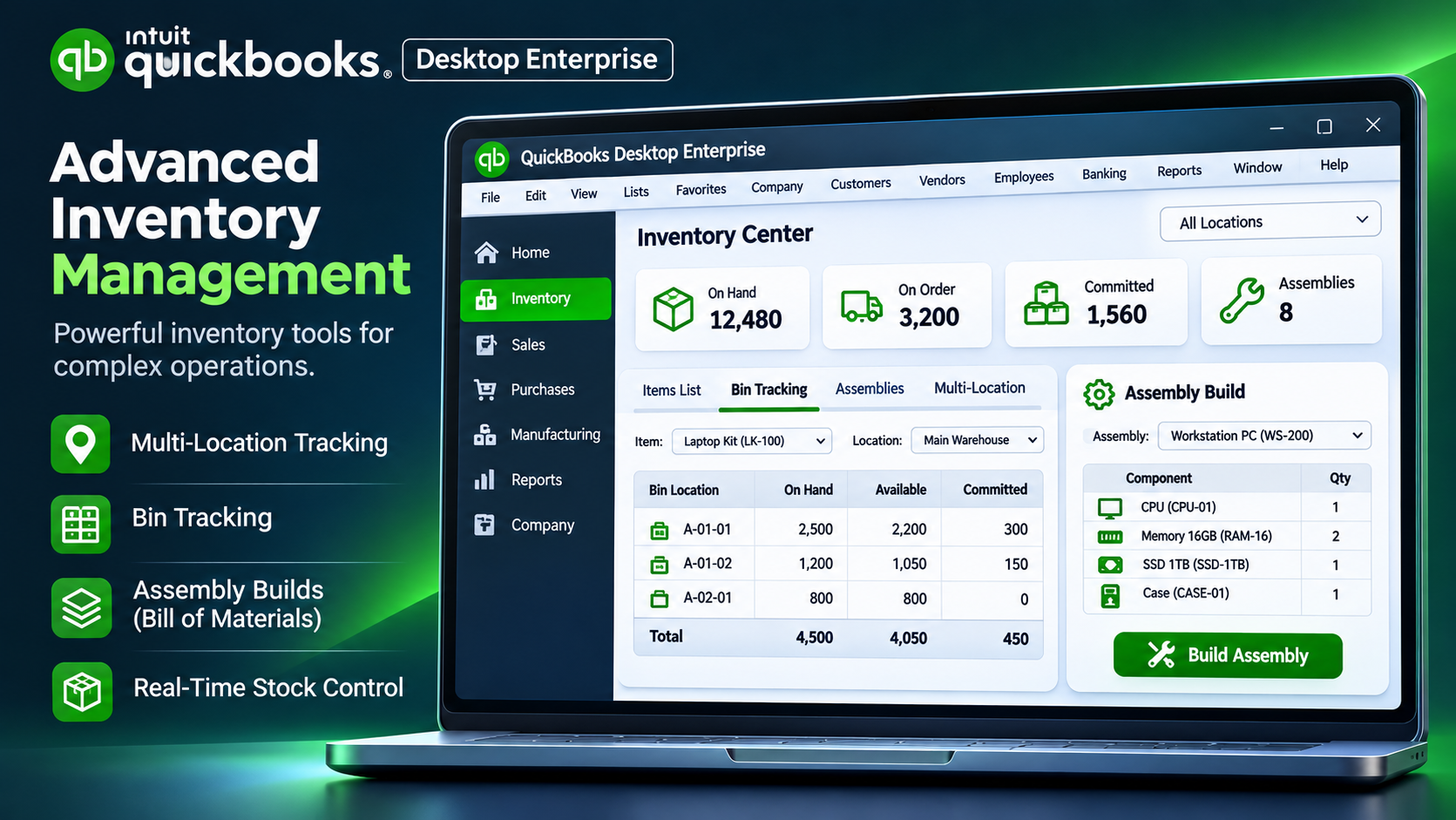
| Inventory Control | Advanced FIFO costing, multi-location inventory, bin location tracking, assembly builds, and automated PO reordering. | Basic average costing only. Lacks native multi-location bins, serialization, and assembly manufacturing workflows. |
| Speed & Large Data Handling | Instantaneous desktop processing. Easily manages company files with hundreds of thousands of ledger entries without browser lag. | Browser-based rendering. Large datasets cause severe loading lag, timeouts, and pagination slowdowns. |
| Annual Software Cost | Predictable one-time capital investment or flat enterprise rate. | Relentless price escalations ($38 to $235+ per month, plus additional fees per user and per payroll employee). |
| Data Control & Privacy | Encrypted on-premise storage. Zero vulnerability to third-party cloud outages or policy revisions. | Data hosted exclusively on Intuit cloud servers. Access can be suspended if billing disputes arise. |
| Multi-Company Management | Create and manage unlimited company files under a single desktop license. | Requires a separate paid monthly subscription for every single legal business entity. |
For holding companies, serial entrepreneurs, or accounting firms running books for 5 to 10 entities, migrating to QBO can instantly multiply software expenses by 10x per year. If you are auditing IT expenses across your company workstations, check out our roundup on essential computer software deals for small businesses to keep administrative overhead low.
5Can You Buy QuickBooks Desktop Without a Subscription?
One of the highest-volume questions asked by business owners today is: can I buy QuickBooks Desktop without a subscription?
If you call Intuit directly, the representative will tell you that perpetual, non-subscription licenses no longer exist. Intuit discontinued traditional retail box codes to force corporate clients onto recurring annual contracts.
However, that does not mean businesses are trapped into paying unending SaaS fees. Many organizations deploy one-time purchase, lifetime valid standalone editions of QuickBooks Desktop Enterprise. This setup provides permanent operational stability on your local office network, sidestepping annual renewal price hikes entirely.
To understand the legal mechanics of how perpetual and standalone software ownership protects small businesses from predatory subscription renewals, read our comprehensive guide on how a one-time purchase lifetime valid software model works.
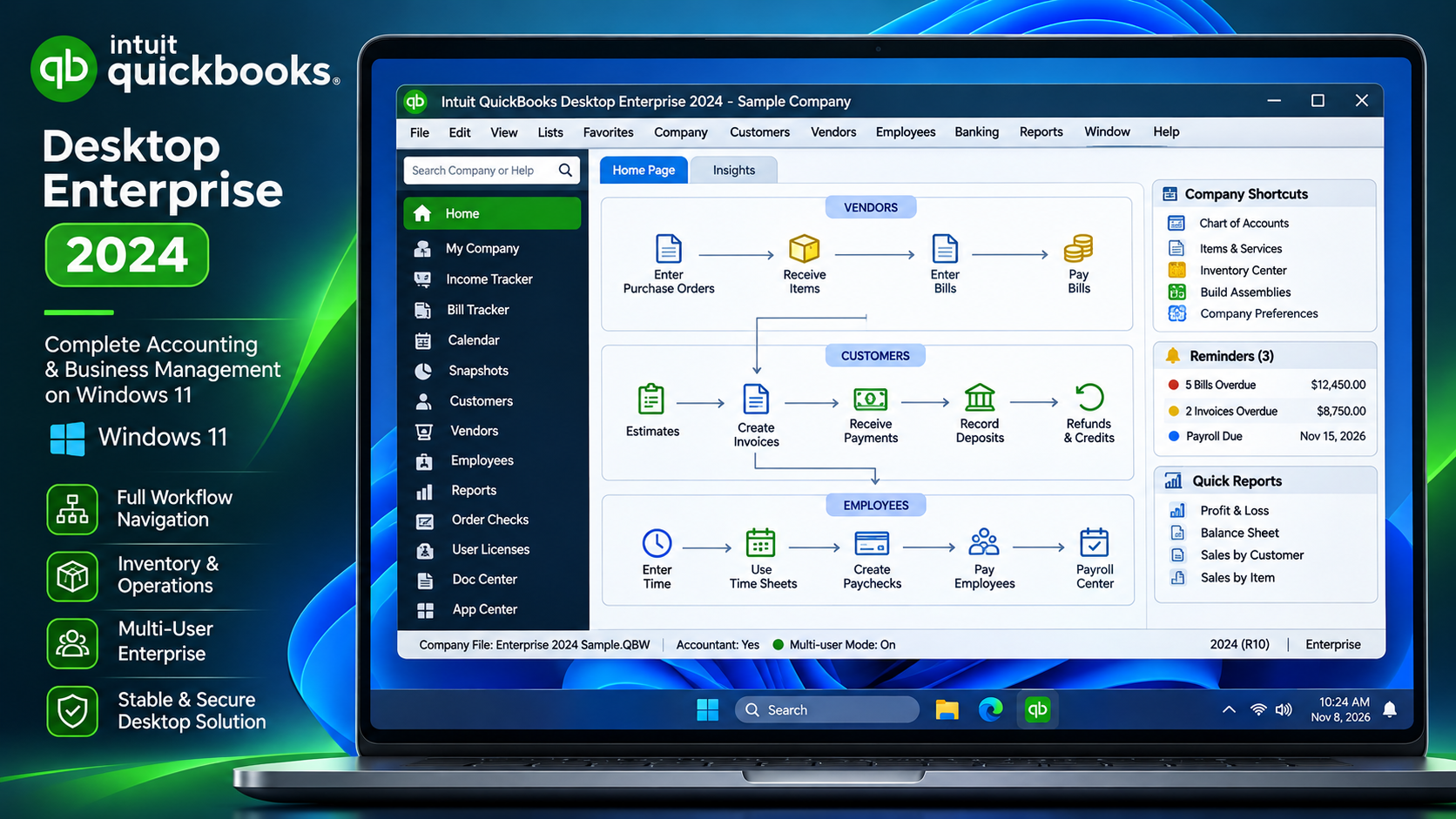
💼 Keep Your Accounting on Desktop with Zero Monthly SaaS Bills
Looking for a permanent, high-performance desktop accounting solution that handles advanced inventory, multi-currency reporting, and multi-user access? QuickBooks Desktop Enterprise 2024 delivers full desktop horsepower, unlimited company file creation, and local data encryption without annual subscription lock-ins.
Secure a one-time purchase / lifetime valid edition with permanent software activation and eliminate unpredictable recurring monthly software bills forever.
Explore QuickBooks Desktop Enterprise (Lifetime Valid / One-Time Purchase) ↗
6How to Safely Keep Running QuickBooks Desktop in 2026
If your team has decided to stay on QuickBooks Desktop, follow these four operational best practices to guarantee seamless, uninterrupted bookkeeping:
- Standardize on a Supported Release (v2024 or Enterprise): Moving your data file to QuickBooks Desktop 2024 or Enterprise ensures you have 64-bit multi-core computing power, modern Windows 11 compatibility, and up-to-date database architecture.
- Implement Automated 3-2-1 Backups: Because your data lives locally, protect your business against hardware failure. Maintain 3 copies of your
.QBWcompany file on 2 different media types (e.g., your primary NVMe SSD and a secure local NAS), with 1 copy stored in an encrypted offsite cloud backup (such as AWS S3 or OneDrive). - Isolate Unsupported Legacy Systems: If you choose to keep running an older sunset version (such as 2021 or 2022), host that machine on a secured internal network partition and restrict unnecessary external web browsing to prevent malware exposure.
- Adopt Semi-Automated Bank Imports: Rather than paying Intuit monthly fees just for live bank feeds, simply log into your financial institution's online portal, export your monthly cleared statements in Web Connect (
.QBO) format, and drag them directly into the Bank Feeds Center. It takes less than 60 seconds per account and costs zero dollars.
Frequently Asked Questions
Is QuickBooks Desktop really being discontinued permanently?
No. Intuit has not eliminated the Desktop platform entirely. Intuit stopped selling new subscriptions of QuickBooks Desktop Pro Plus, Premier Plus, and Mac Plus to new U.S. customers, but existing subscribers can continue renewing. Furthermore, QuickBooks Desktop Enterprise remains actively sold, updated, and supported as Intuit's premier on-premise accounting solution.
Can I still use my older QuickBooks Desktop after it is discontinued?
Yes. Discontinuation simply means Intuit terminates connected cloud services such as Intuit Payroll, merchant processing, and live technical support. Your software will not stop launching, and your local company files (.QBW) remain completely functional for standard bookkeeping, invoicing, and reporting indefinitely.
How much does it cost to switch from QuickBooks Desktop to QuickBooks Online?
QuickBooks Online operates on a recurring monthly subscription model ranging from $38/month for Simple Start to over $235/month for Advanced tiers, with additional monthly charges per payroll worker. Furthermore, while QuickBooks Desktop lets you run unlimited businesses under one license, QuickBooks Online requires a completely separate paid subscription for each company file.
Can I buy QuickBooks Desktop as a one-time purchase without recurring fees?
While Intuit directly only sells recurring subscriptions today, businesses can acquire standalone, lifetime valid editions through a one-time purchase. Solutions like QuickBooks Desktop Enterprise 2024 provide complete desktop accounting functionality with a one-time purchase, freeing small businesses from ongoing monthly billing cycles.
What is the best alternative if I want to stay on desktop?
For organizations requiring deep inventory management, job costing, and local network multi-user access, QuickBooks Desktop Enterprise 2024 is the gold standard. It provides up to 1,000,000 inventory items, custom user permission controls, and local database speeds that cloud-based platforms cannot match.
Final Thoughts: Take Control of Your Financial Stack
Intuit's aggressive push toward cloud subscriptions has left many business owners feeling cornered, but you are not obligated to compromise your workflow or surrender data ownership. QuickBooks Desktop remains one of the most powerful, battle-tested accounting engines ever built.
By upgrading to a stable desktop edition like QuickBooks Enterprise 2024 through a one-time purchase / lifetime valid setup, your business secures complete independence, lightning-fast processing, and zero recurring subscription bills for years to come.